Table of contents
Open Table of contents
設定方式
在 /etc/profile.d/ 下建立 fastfetch.sh ,填入以下內容:
#!/bin/bash

fastfetch
printf "\n\n"
將 /etc/profile.d/fastfetch.sh 檔案權限設定為可被執行:
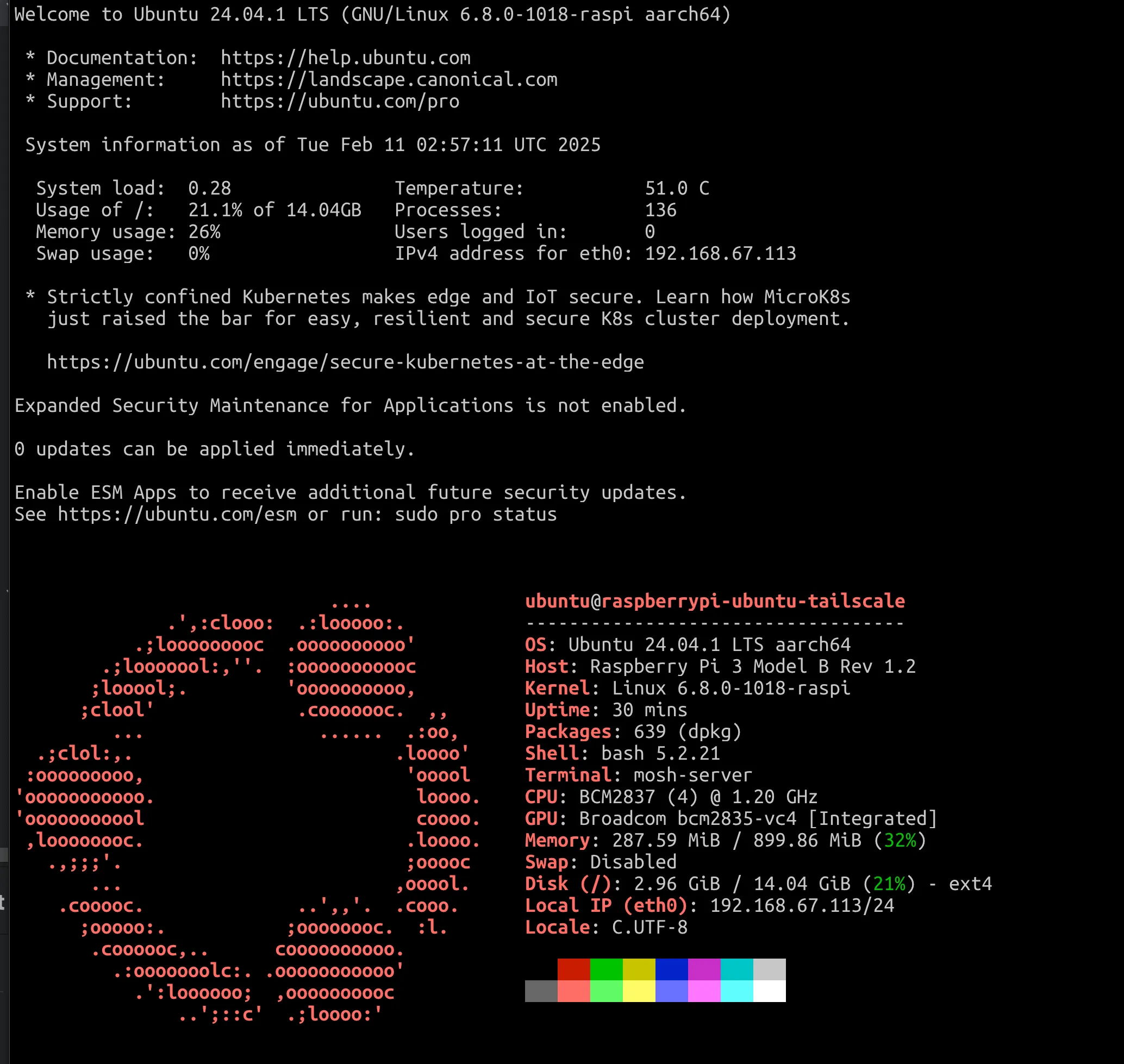
chmod +x /etc/profile.d/fastfetch.sh下次登入 Ubuntu 就會出現如下畫面:
在 /etc/profile.d/ 下建立 fastfetch.sh ,填入以下內容:
#!/bin/bash
fastfetch
printf "\n\n"將 /etc/profile.d/fastfetch.sh 檔案權限設定為可被執行:
chmod +x /etc/profile.d/fastfetch.sh下次登入 Ubuntu 就會出現如下畫面: